Hermes as my email manager
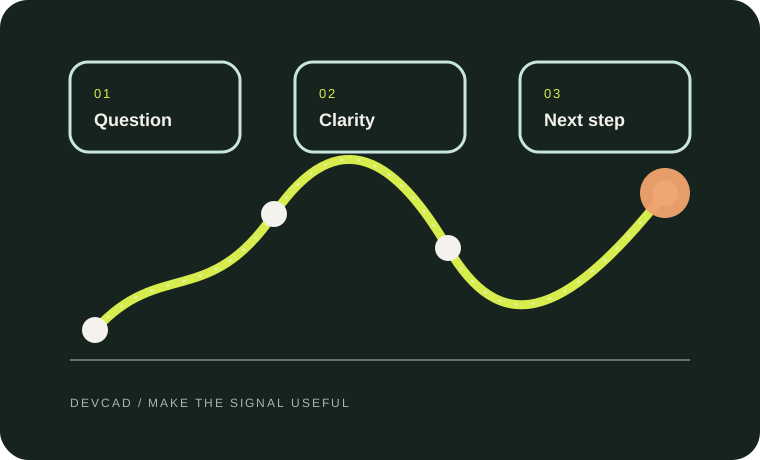
You open your inbox to answer one quick question. Thirty minutes later, you are still scrolling.
There is a customer asking for an update, a payment reminder, three newsletters, a meeting change, and a message you know is important—but you cannot remember why. Everything is sitting next to everything else, and the unread number keeps growing.
The hardest part of email is not reading it. It is figuring out what deserves your attention now, what can wait, and what you can safely stop carrying in your head.
That is the problem Hermes helps with.
Hermes starts with what matters
Hermes is an AI assistant that helps make sense of your email. It looks at the messages that need your attention, explains them in plain language, spots deadlines, and separates real requests from newsletters and automated notifications. Instead of starting the day with a long list of unread messages, you can start with a short list of decisions.
- Reply today: A customer is waiting for an answer.
- Do something: An invoice needs reviewing.
- Waiting: You already replied and the next move belongs to someone else.
- Keep for later: Useful information, but not urgent.
- Ignore or file: A notification that does not need your attention.
The point is not to make email disappear. The point is to stop every message from feeling equally urgent.
Stop treating every unread message like a fire
You know the feeling: you mark a message unread so you will remember it later, then forget why it mattered. A week later, the inbox is full of reminders that no longer tell you what needs to happen.
An unread message is not automatically an important message.
Some messages contain a deadline. Some contain a question. Some are useful only once a month. Others are simply noise. Hermes looks at the conversation and helps tell the difference.
It also looks at the thread, not just the newest line. A short reply can mean something very different when you can see the earlier question, the promised date, and the files that were already discussed.
“You have 23 unread messages” is a number. “Three people are waiting for a reply, one payment needs checking, and the rest can wait” is a workday.
A small set of simple categories
We keep the system easy to remember:
- Action — I need to do something.
- Waiting — Someone else needs to respond.
- Read later — Worth reading, but not today.
- Reference — Keep this for when I need it.
- Receipts — Purchases, invoices, and confirmations.
- Newsletters — Information I chose to receive.
These categories are not meant to be perfect. They are meant to reduce the number of decisions you have to make while looking at your inbox.
You stay in control
Hermes can summarize an email and suggest a reply. It can point out that a message sounds urgent or that a customer is waiting. But it should not quietly send a message in your name, delete something important, or make a promise for you.
Hermes can prepare the next move. You approve the consequential move.
You can approve a draft, change it, or decide not to send it. The decision remains yours.
A calmer daily routine
In the morning
Ask Hermes to show what needs attention now, which replies are waiting for approval, which tasks do not need a reply, what is waiting on someone else, and what can be filed or read later.
During the day
Ask about new messages when you need to. You do not have to process the whole inbox every time. You can ask for customer messages, urgent requests, unanswered questions, or anything received since breakfast.
At the end of the week
Review the messages that are still waiting for action. Some will become next week’s work. Others will turn out not to matter anymore.
Start small
You do not need to hand over every mailbox on the first day. Start with one account and a small, read-only review. Let Hermes show you how it classifies messages. Correct it when it gets something wrong. Keep sending, deleting, and bulk filing turned off until the workflow feels predictable.
Behind the scenes, Hermes can use tools such as Himalaya to work with the mailbox and Ortie to handle secure sign-in. You do not need to understand that architecture to use the workflow, just as you do not need to understand a car engine to use cruise control.
The technical architecture belongs in a separate article. The everyday idea is simpler:
Hermes helps you understand your email, decide what matters, and prepare the next step—while you remain the person in charge.