Inbox
Email triage
Read the day in batches instead of reactively. Classify what needs action, what can wait, and what can be archived without opening fully.
Not every shiny tool becomes a daily habit. These are the recurring workflows that survive because they save time without removing the parts that need a human.
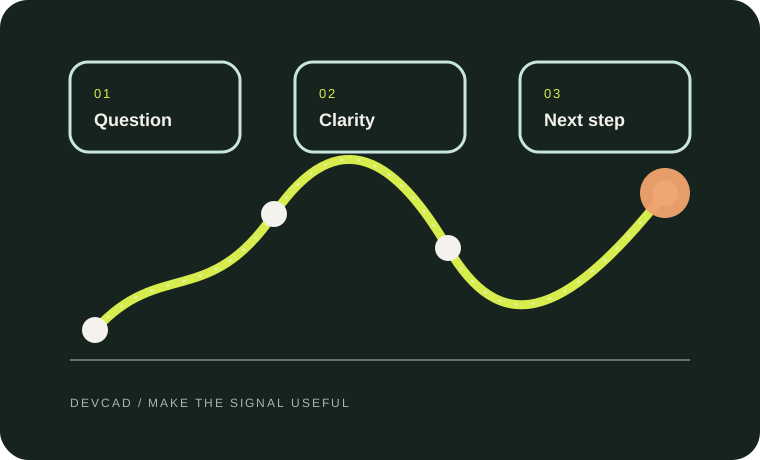
Each pattern below has a place for AI assistance and a place for human judgment. The goal is less busywork, not less responsibility.
Read the day in batches instead of reactively. Classify what needs action, what can wait, and what can be archived without opening fully.
Collect a small set of reputable sources first, then ask for claims instead of smooth prose. Keep the trail from each important statement back to the evidence.
Turn a meeting into a reviewed record: decisions, owners, dates, and open questions. Keep the summary separate from the commitments that need follow-up.
Use AI to sort the day’s priorities, prepare a short review of what changed, and surface the few things worth carrying forward. Keep the final judgment human.
Let AI prepare first drafts, outlines, and alternatives. Then edit for the real audience, cut the noise, and keep the parts that need judgment or taste.